Inside the restaurant
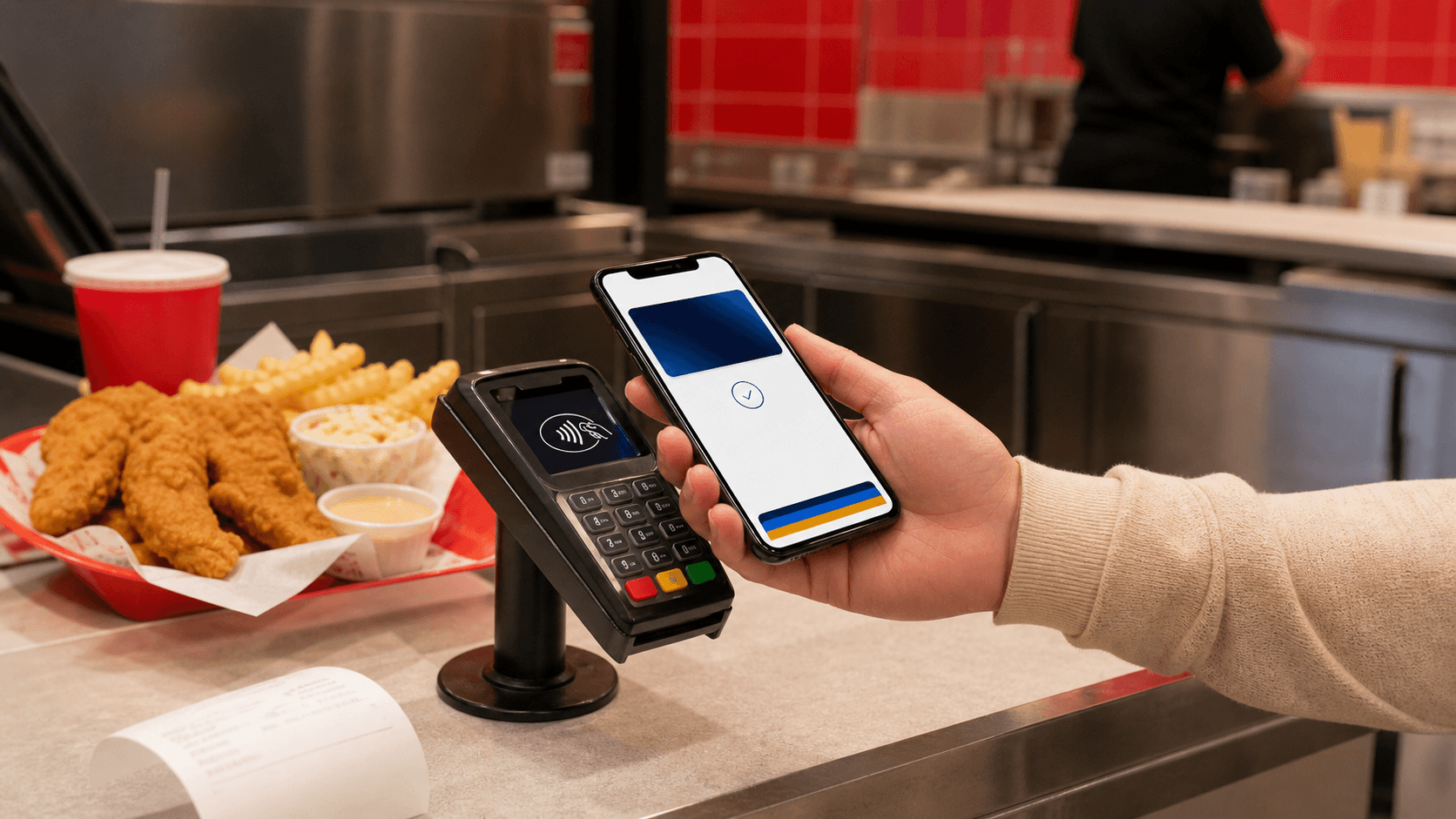
Apple Pay may work if the location has contactless payment enabled.
Independent Cane's nutrition guide
 Cane's Nutrition CalculatorCalories, macros & allergens
Quick access
Menu, nutrition, allergens, and gluten guides.
Payment Guide - Updated May 2026
Many Raising Cane's locations may accept Apple Pay, especially for in-store contactless payments, but availability can vary by restaurant. Use this guide to check what usually works, what the official FAQ lists, and what backup payment to keep ready. If you are planning your order too, compare the Raising Cane's menu with prices before you pay.
Short answer
It is still smart to keep a card or cash with you because payment terminals, drive-thru setups, and app checkout options can vary.
Apple Pay may work if the location has contactless payment enabled.
Some locations may accept Apple Pay at the window.
The app supports pay-ahead ordering, but Apple Pay depends on checkout.
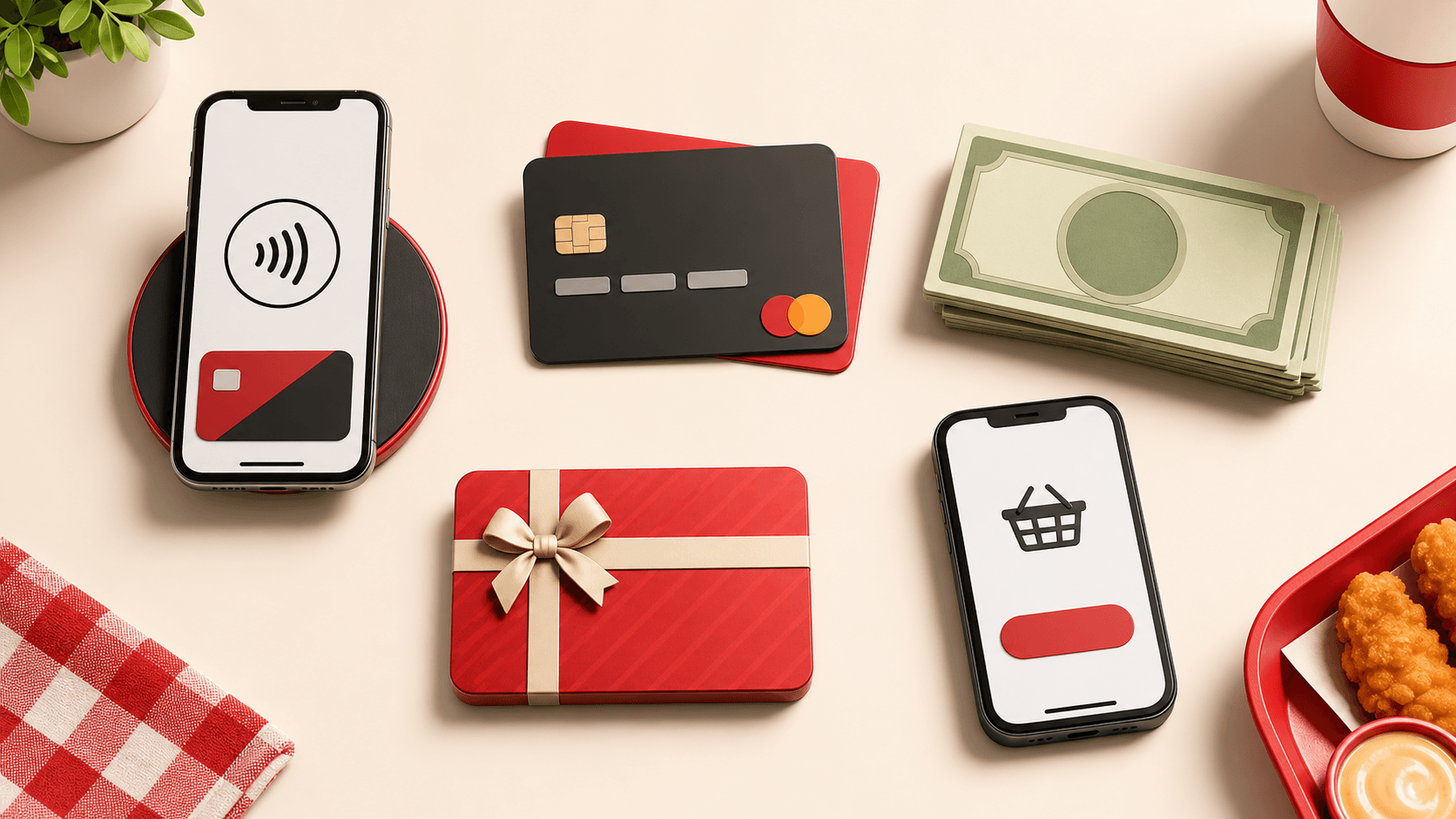
Raising Cane's may accept Apple Pay at many restaurants, but it is not clearly listed as a guaranteed payment method on the official Raising Cane's FAQ. The official FAQ lists Raising Cane's gift cards, cash, MasterCard, Visa, Discover, and American Express, and notes that accepted credit cards may vary by location.
So, if you are asking whether Cane's takes Apple Pay, the practical answer is: it may work at many locations, but confirm at your local restaurant before depending on it. Once you know how you will pay, you can use the Cane's Nutrition Calculator to check your meal calories and macros before ordering.
Raising Cane's gift cards
Cash
MasterCard
Visa
Discover
American Express
Apple Pay may work if the location has contactless payment enabled.
Use your iPhone or Apple Watch near the reader. If the terminal does not accept tap-to-pay, switch to card, cash, or a gift card.
Some locations may accept Apple Pay at the window.
Ask before paying so the crew can confirm whether the drive-thru terminal supports contactless payment.
The app supports pay-ahead ordering, but Apple Pay depends on checkout.
Start an order and check the payment screen. If Apple Pay is not shown, add an accepted debit or credit card.
If the restaurant has contactless payment enabled, you can usually pay with your iPhone or Apple Watch the same way you would use a tap-to-pay card. If you are choosing a combo while you wait, the chicken fingers calorie guide can help you quickly estimate the main part of your meal.
Open Apple Wallet or double-click the side button.
Choose your card.
Use Face ID, Touch ID, or your passcode.
Hold your iPhone or Apple Watch near the card reader.
Wait for the payment confirmation.
Apple Pay is convenient, but fast-food payment setups are not always identical from one restaurant to another.
The location does not have contactless payment enabled.
The drive-thru terminal may not support tap-to-pay.
Apple Pay may not appear in the app checkout flow.
The payment reader may be temporarily down.
The card in Apple Wallet may need bank verification.
Accepted payment methods can vary by restaurant location.
Ask first at the drive-thru
A quick question at the speaker or window can save time before you reach the payment step.
Keep a backup card
Carry a debit card, credit card, cash, or gift card in case Apple Pay is unavailable.
Check app checkout
Apple Pay must appear as a payment option in the app before you can use it for that order.
Try another Wallet card
If one card fails in Apple Wallet, another card may still process normally.
Yes, Apple Pay is generally a safe payment option when it is accepted. It does not share your actual card number with the merchant. Instead, Apple Pay uses device-based payment security, which can be safer than handing over a physical card.
For quick fast-food orders, it is also convenient because you do not need to carry cash or pull out your card. If food sensitivity is part of your ordering decision, check the Raising Cane's allergen menu before you finalize the order.
Try Apple Pay, but keep one accepted payment method ready: cash, a major card, or a Raising Cane's gift card.
View menu pricesRaising Cane's may accept Apple Pay at many locations, especially where contactless payments are supported, but it is not clearly listed as a guaranteed payment method on the official FAQ.
For the safest experience, try Apple Pay at the counter or ask first at the drive-thru. If you are ordering in the app, check whether Apple Pay appears at checkout. Always keep a backup payment method in case Apple Pay is not available. For gluten-sensitive orders, review the Raising Cane's gluten free menu guide before relying on any item.
Helpful guides before you order
Build your meal total
Use the calculator for calories, macros, protein, sodium, and meal totals.
Check menu prices
Compare combos, sides, sauces, drinks, and prices before checkout.
Review allergens
Check wheat, milk, egg, soy, fish, sesame, and cross-contact notes.
Estimate chicken calories
See calories and protein for tenders, combos, and popular meal sizes.
Payment FAQs
Many Raising Cane's locations may accept Apple Pay, but it can vary by restaurant. The official FAQ does not clearly list Apple Pay as a guaranteed payment method, so confirm with your local location.
Some locations may accept Apple Pay in the drive-thru, but not all. Ask the crew before paying so you know whether contactless payment is available at that window.
The Raising Cane's app supports ordering ahead and paying ahead, but Apple Pay availability depends on the checkout options shown in the app.
Raising Cane's official FAQ says they accept gift cards, cash, MasterCard, Visa, Discover, and American Express. Accepted credit cards may vary by location.
Use a backup payment method like cash, debit card, credit card, or a Raising Cane's gift card.
Some locations may support tap-to-pay if their card readers allow contactless payments. Since payment options can vary, ask your local restaurant.
Sources checked
Payment method wording is based on the official Raising Cane's FAQ and app pay-ahead wording from the official App Store listing.
This independent guide is for general payment planning only. Actual payment availability can vary by location, terminal, and checkout flow.
Before you pay, use the nutrition calculator to check your meal totals for calories, protein, sodium, and allergens. It pairs well with the menu guide when you are deciding between a smaller combo and a larger order.
Open Nutrition Calculator